

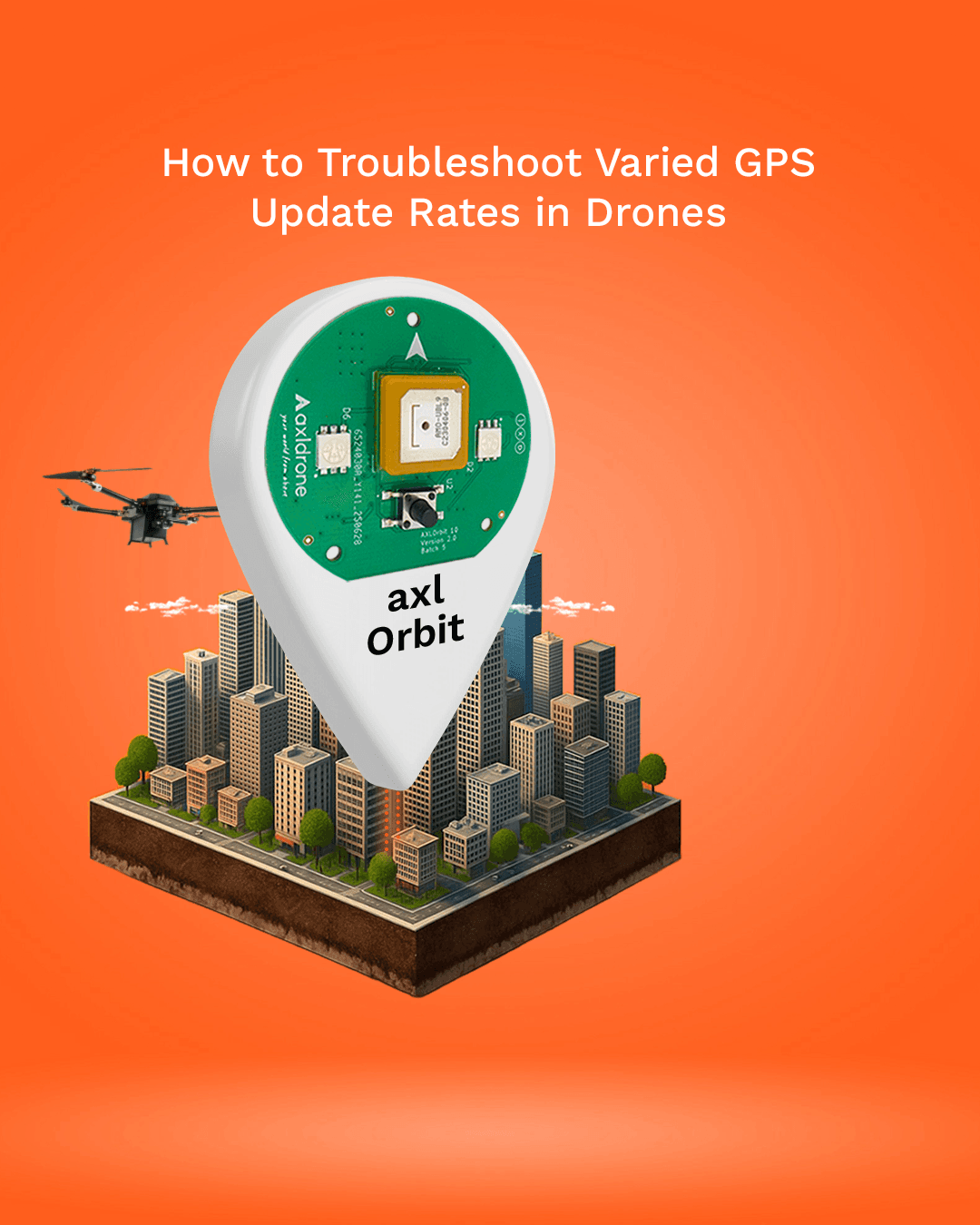
How to Troubleshoot Varied GPS Update Rates in Drones
GPS is the backbone of modern drone operations. Whether you’re flying for aerial photography, mapping, or hobby projects, reliable GPS updates are critical for smooth flight, accurate positioning, and safe operation.
However, many drone users face a common problem: inconsistent GPS updates, which can make navigation unreliable and affect flight performance. In this guide, we’ll explore why GPS update rates vary and how to troubleshoot them effectively.
Understanding GPS Update Rates
A GPS module communicates with satellites to determine the drone’s position. The update ratetells you how often the module reports its location, usually measured in hertz (Hz).
For drones:
- Higher update rates→ smoother navigation and more responsive flight.
- Lower or inconsistent updates→ jerky flight, inaccurate telemetry, or mapping errors.
Common causes of variation include:
- Environmental factors
- Device settings or power-saving modes
- Hardware or connection issues
1. Ensure a Clear View of the Sky
GPS signals travel from satellites in orbit, so any obstruction can reduce signal quality.
Tips to improve GPS consistency:
- Test your drone outdoors in open areas.
- Avoid tall buildings, dense trees, or reflective surfaces.
- Position the GPS module where it has a direct line of sightto satellites.
Even minor obstructions can cause delayed or inconsistent updates, so location matters.
2. Disable Power-Saving Features
Many GPS modules and microcontrollers have power-saving modesto extend battery life. While helpful, these modes can reduce update frequency.
To maintain consistent GPS performance:
- Turn off power-saving settings during flight.
- Ensure the GPS module receives uninterrupted power.
A fully powered GPS module communicates reliably with satellites, giving more consistent updates.
3. Allow Time for Satellite Lock
GPS modules need time to acquire satellite signals, especially after being off for a while:
- Cold Start:No recent satellite data → may take several minutes to lock.
- Warm Start:Recent satellite data stored → locks faster but still requires a short wait.
Always allow sufficient time during startup for accurate and stable positioning.
4. Verify Hardware and Settings
For DIY drones or microcontroller-based projects, inconsistencies may come from the setup itself.
Check the following:
- Wires and serial connections are secure. Loose connections can cause intermittent data.
- Baud rate in your code matches the GPS module’s default communication rate.
- Test the module on another setup if problems persist.
Proper configuration ensures your GPS sends clean, interpretable data to the flight controller.
Why Consistent GPS Updates Matter
Stable GPS data is crucial for:
- Smooth drone flight and navigation
- Accurate waypoint tracking and mapping
- Reliable telemetry and data logging
- Safe operation in autonomous missions
Inconsistent GPS updates can lead to jerky flight, misaligned maps, or flight interruptions.
Practical Tips for Optimized GPS Performance
- Choose a good test location:Open areas with minimal obstructions.
- Manage power:Optimize settings for active GPS use.
- Wait for lock:Allow enough time for cold or warm start.
- Check your setup:Inspect wires, connectors, and software regularly.
- Update firmware:Keep GPS module firmware up to date for improved stability.
Final Thoughts
Reliable GPS data is essential for hobbyists, DIY drone builders, and professional UAV operators alike. Understanding the factors affecting GPS update rates and following a structured troubleshooting approach ensures:
- Smoother flight
- More accurate navigation
- Safer drone operations
At axldrone, we believe details matter. Consistent performance starts with fundamentals like GPS updates—the foundation of every successful drone mission.